
📝 Try Ravenmorth Live:
The quick brown fox jumps over the lazy dog
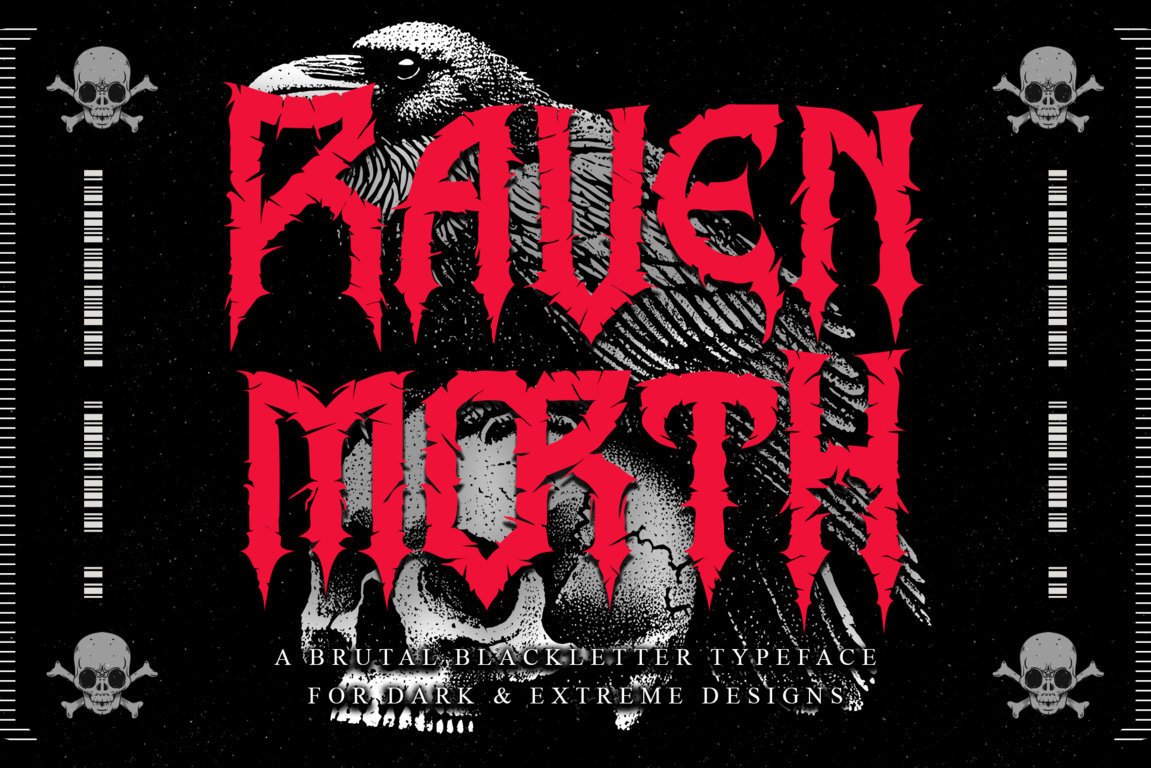
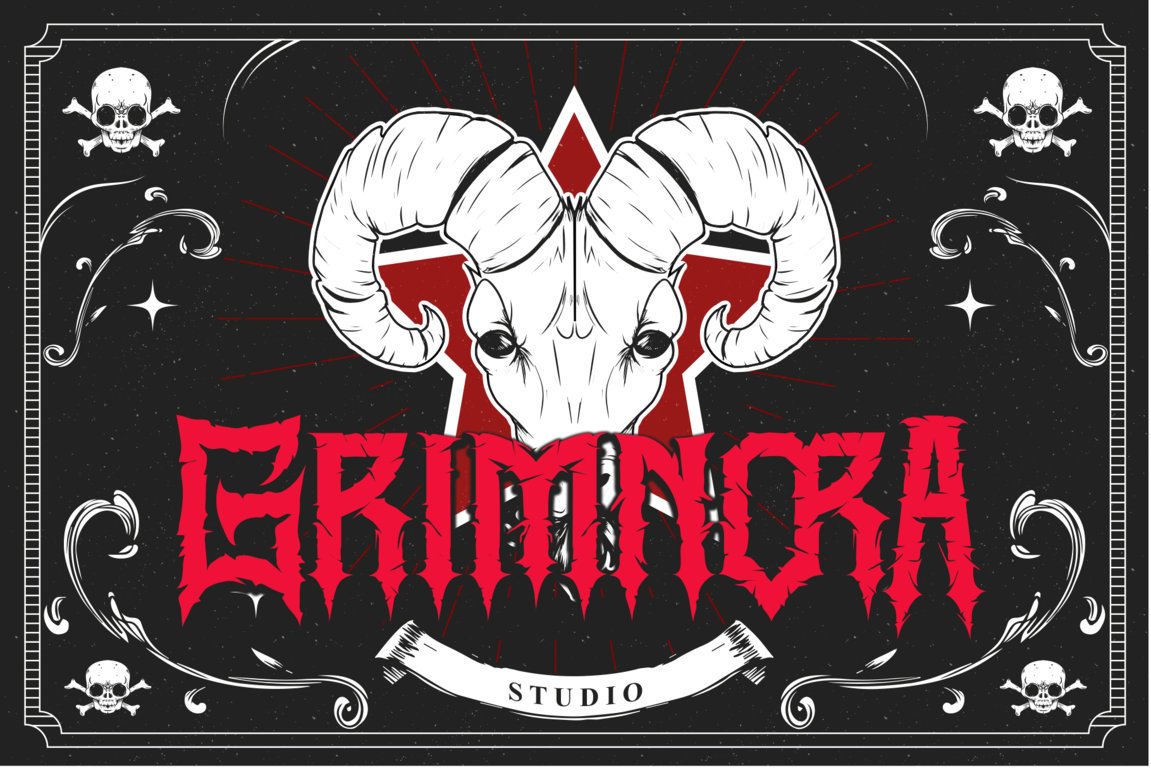
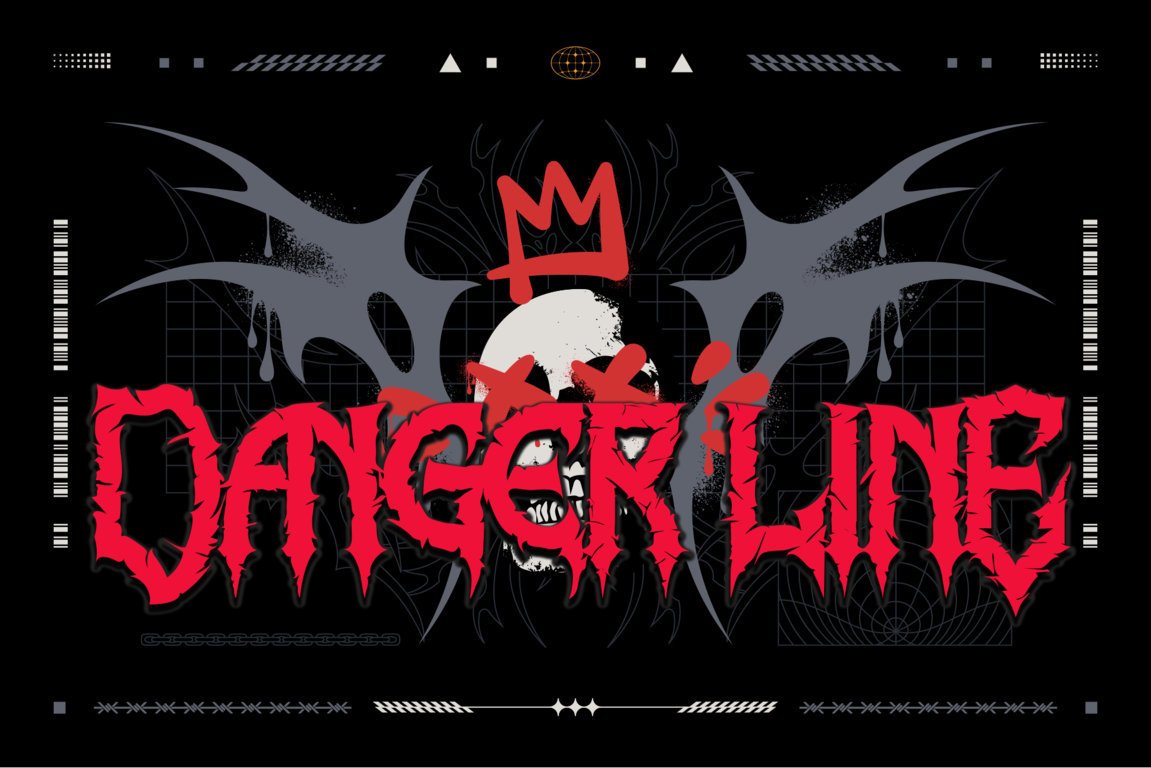
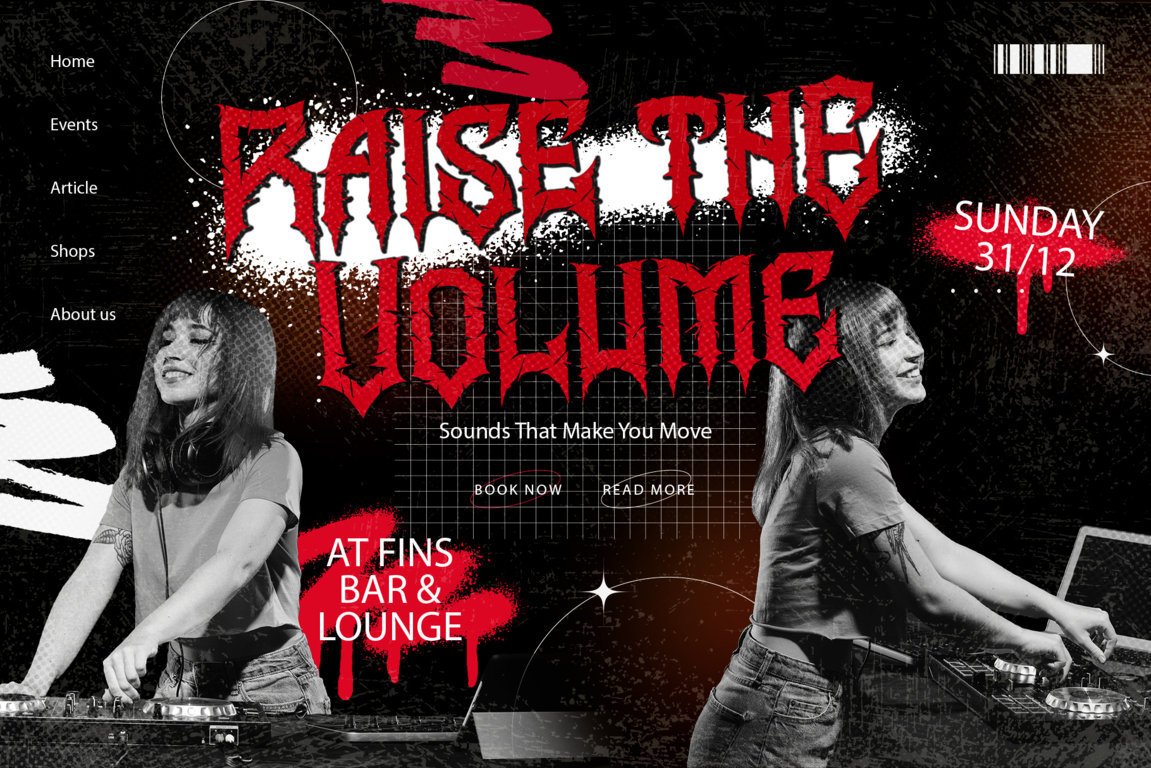
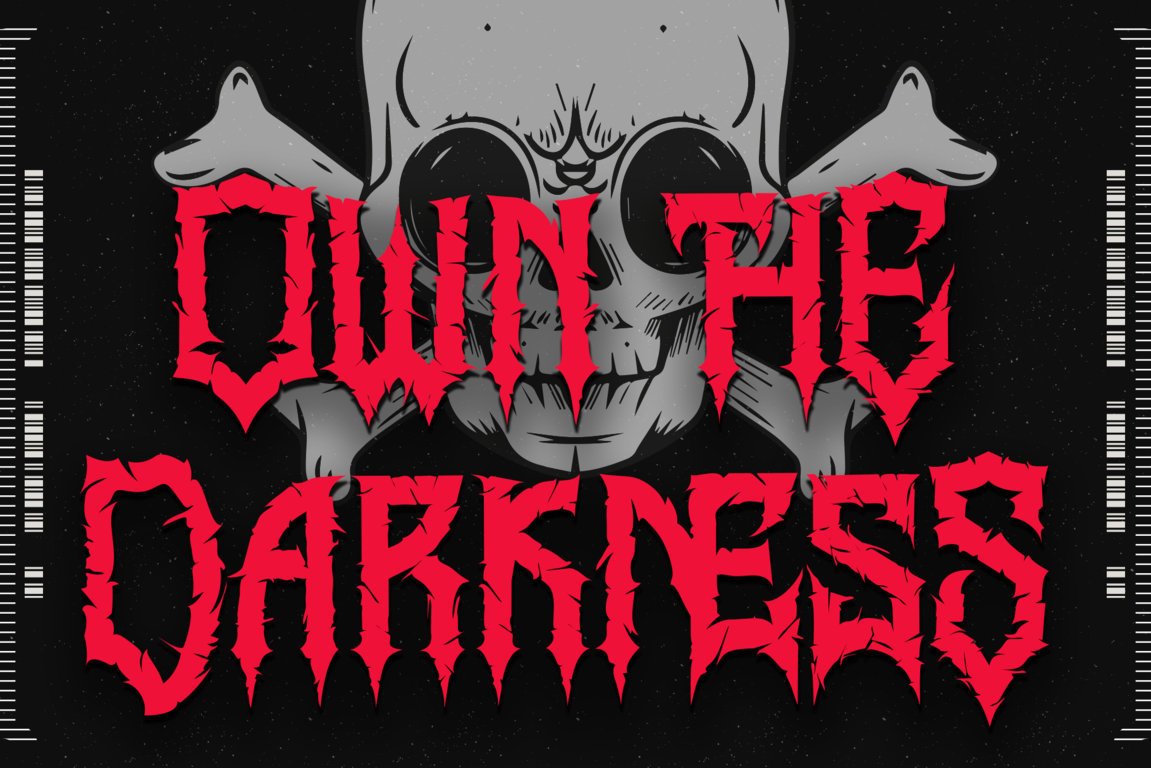
Step into the shadowed dominion of Ravenmorth, a font born from darkness, sharpened by chaos, and crowned with pure metal ferocity. Every curve and jagged stroke carries the essence of ancient power—untamed, ruthless, and unbound. Ravenmorth channels the raw spirit of black metal and gothic mystique, forging letterforms that feel carved from bone, steel, and night itself.
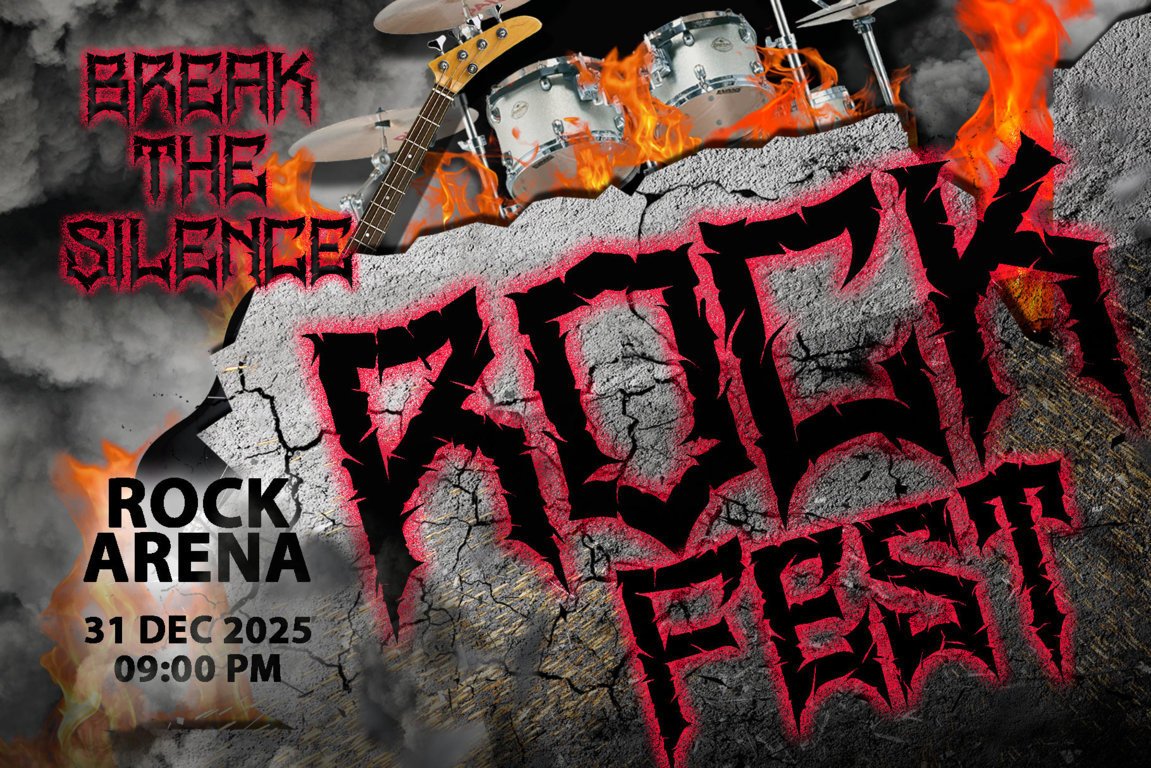
Engineered for album covers, occult branding, horror titles, merch prints, and any design that craves a brutal, commanding presence, Ravenmorth doesn’t simply decorate—it dominates. Its sinister details and fearless structure pull the viewer into a realm where shadows rule and the weak tremble.
Embrace the darkness. Claim the throne. Let Ravenmorth become the voice of your most relentless creations—a masterpiece crafted for those who design not for the faint of heart, but for the fearless.
Included:
- Ravenmorth ( TTF, OTF, WOFF)
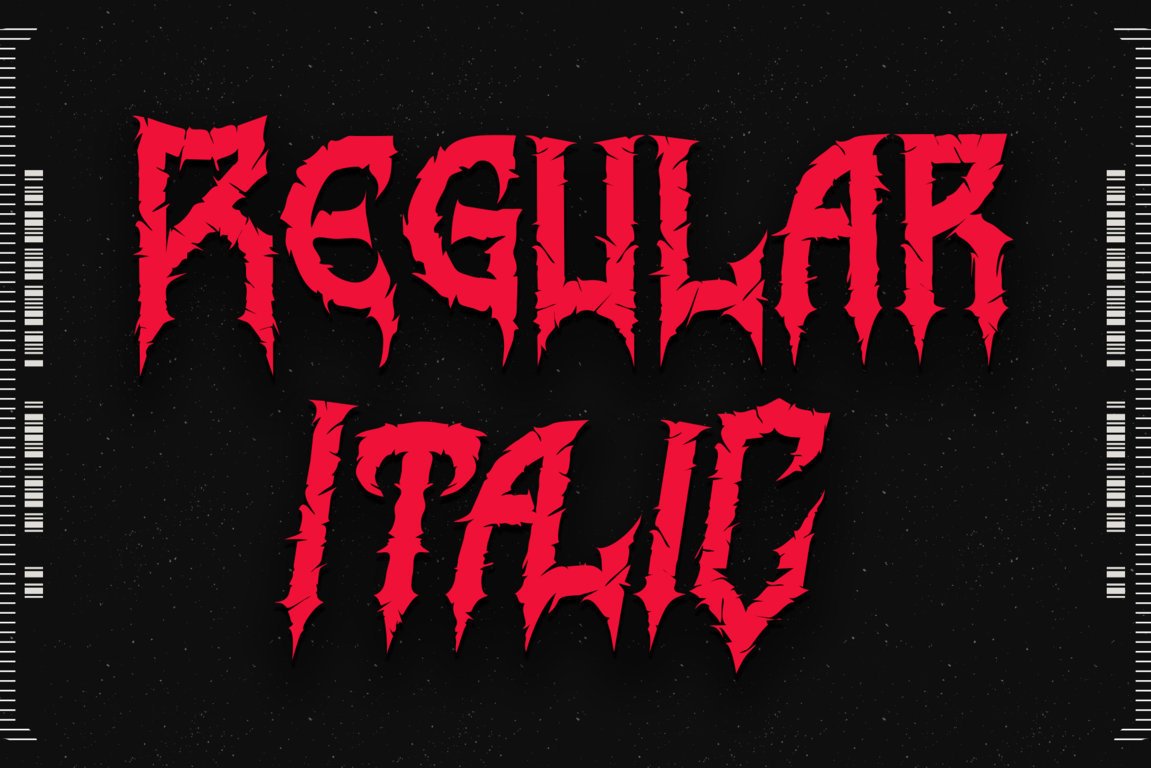
- Ravenmorth Italic ( TTF, OTF, WOFF)
Features:
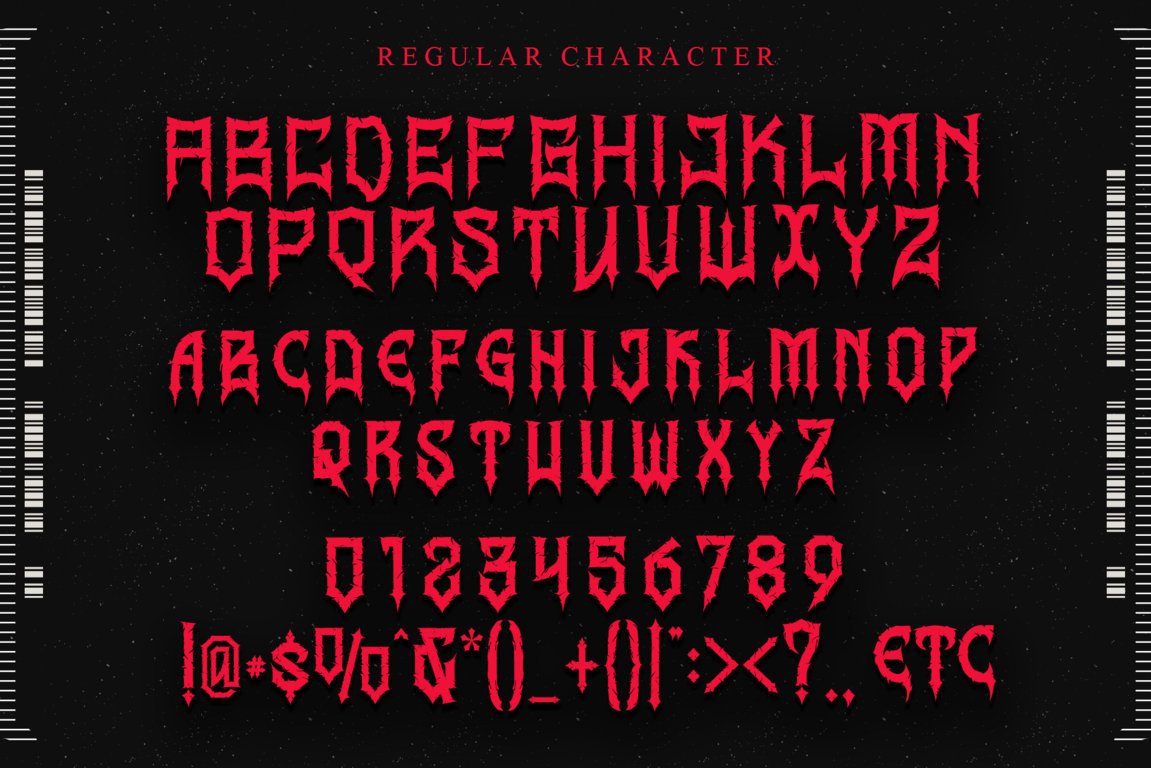
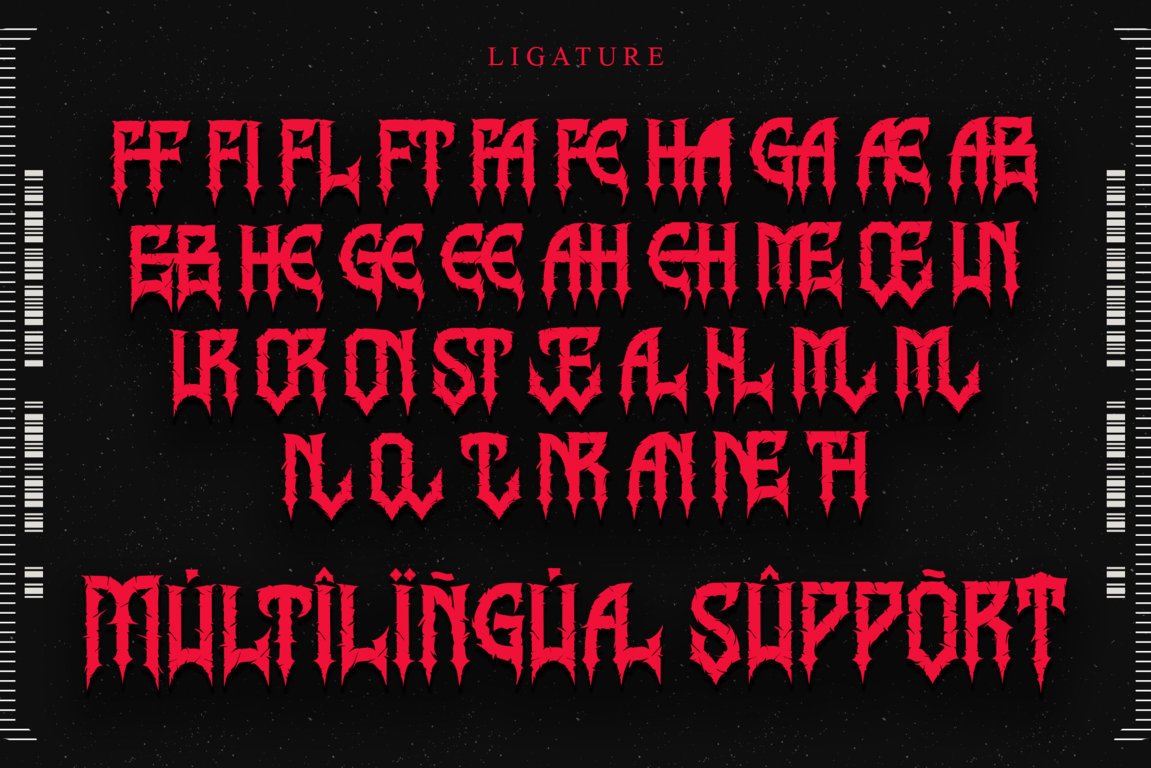
- Support multilingual; ä ö ü Ä Ö Ü ß ¿ ¡
- Numerals & Punctuation
- uppercase letters
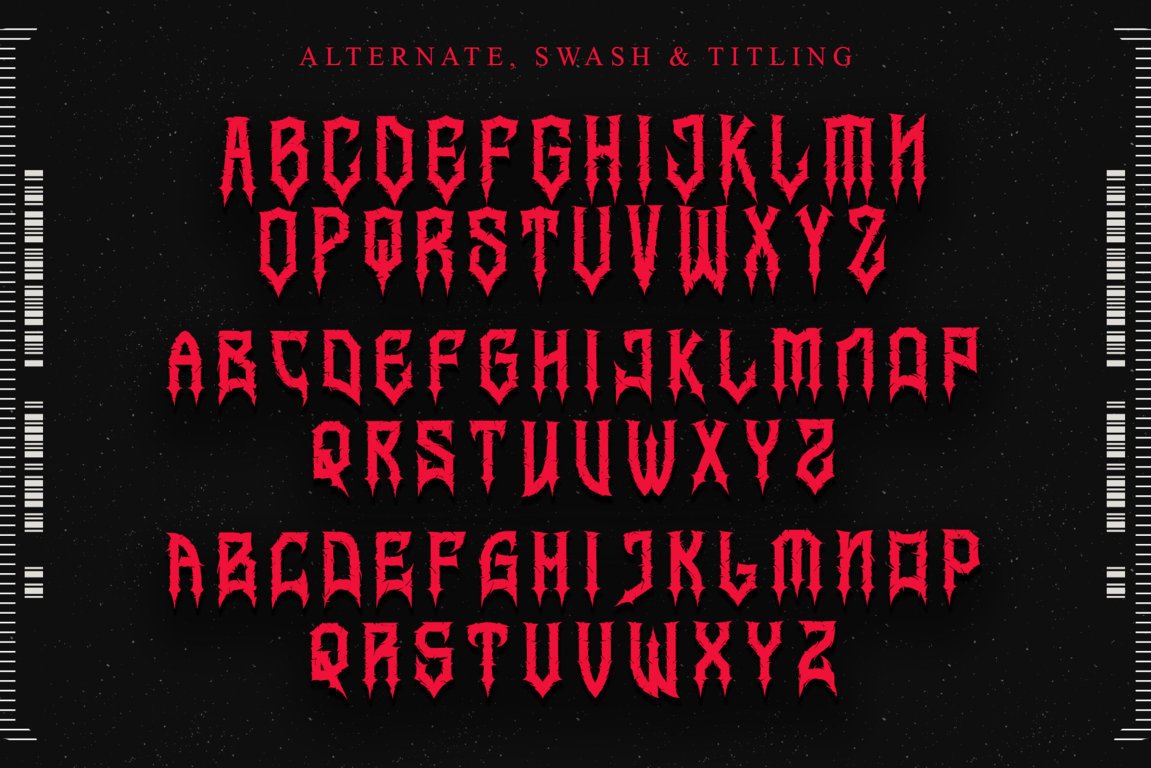
- Alternate, swash, titling, & Ligature
- Works both on Mac & PC
- Simple installations
- Accessible in Adobe Illustrator, Adobe Photoshop, Adobe InDesign, CorelDraw, and even work on Microsoft Word.
HOW TO ACCESS ALTERNATE CHARACTERS:
- Open glyphs panel:
In Adobe Photoshop, go to Window – glyphs; In Adobe Illustrator, go to Type – glyphs
- To access the alternate glyphs, you need a program that supports OpenType features, such as Adobe Illustrator CS, Adobe Photoshop CC, Adobe InDesign, and CorelDRAW. For more information about how to access alternate glyphs, check out this link (http://goo.gl/ZT7PqK)
- Access Silhouette Studio compatible font characters in Cricut Design Space. Copy and paste alternative characters using Character Map (Windows), Nexus Font (Windows), Font Book (Mac), or a software program such as PopChar (for Windows and Mac).


Reviews
There are no reviews yet.